1
Your photo, your buddy
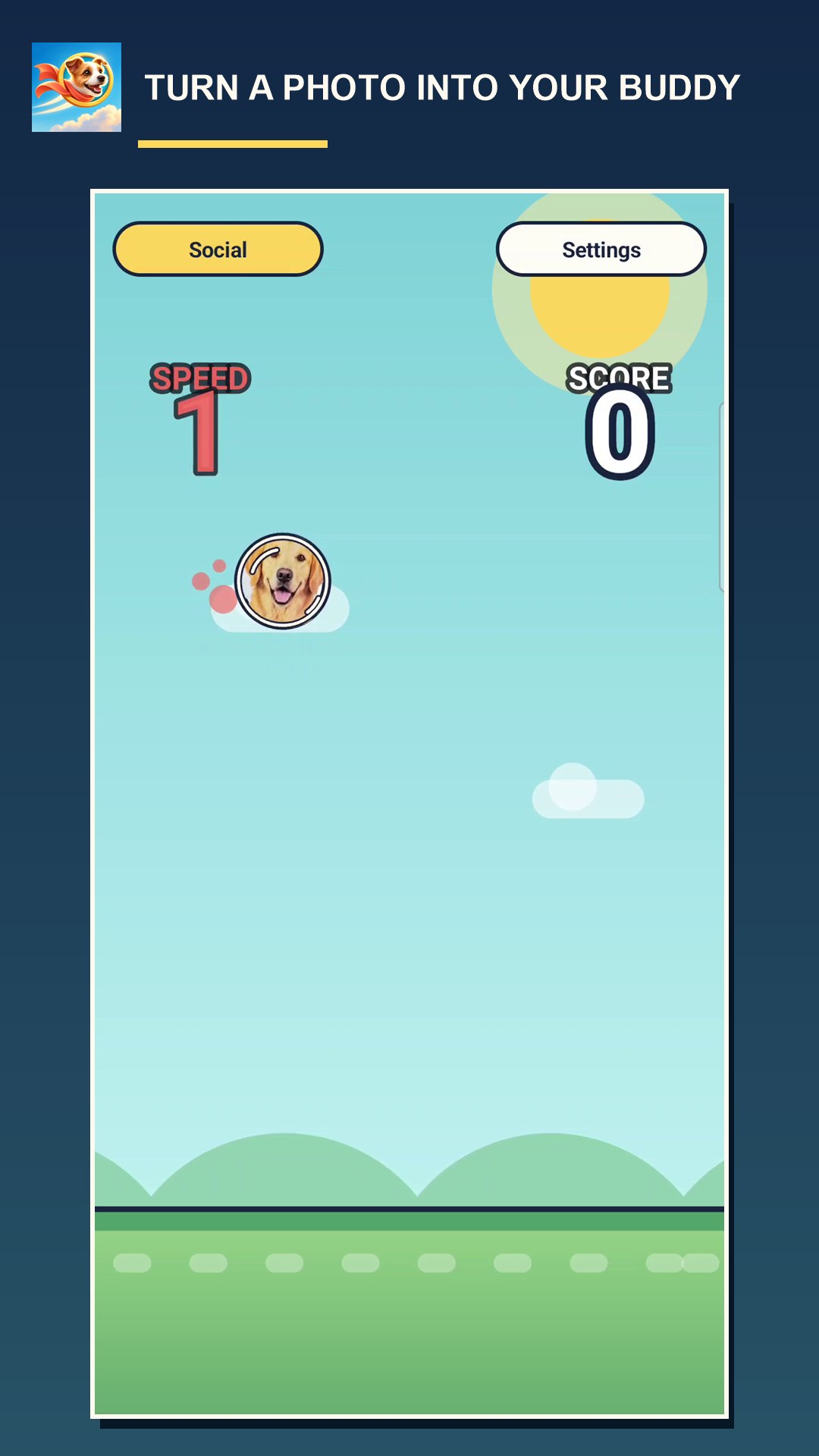
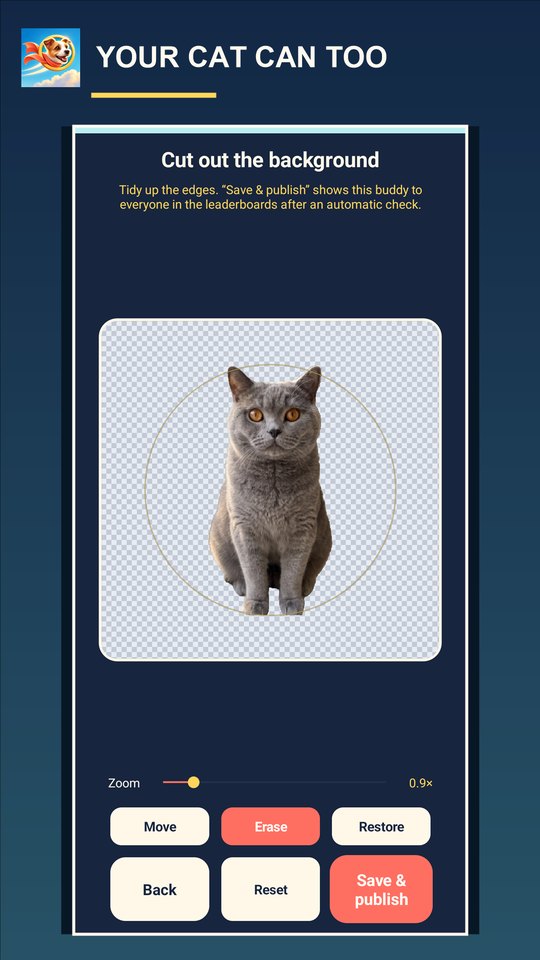
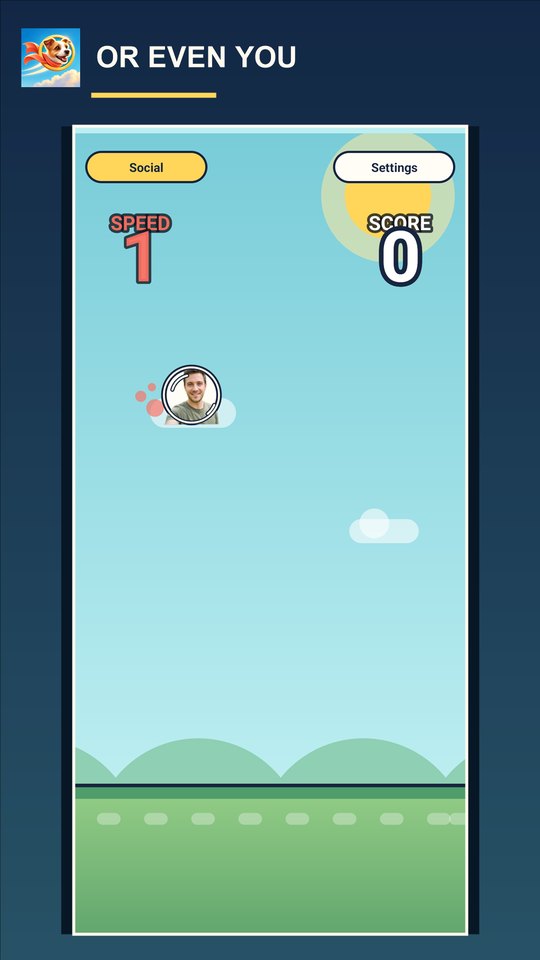
Take a picture or pick one from your phone, crop it, and let the automatic cutout lift your friend, your pet or yourself out of the background. Tidy the edges by hand with erase and restore, then fly.
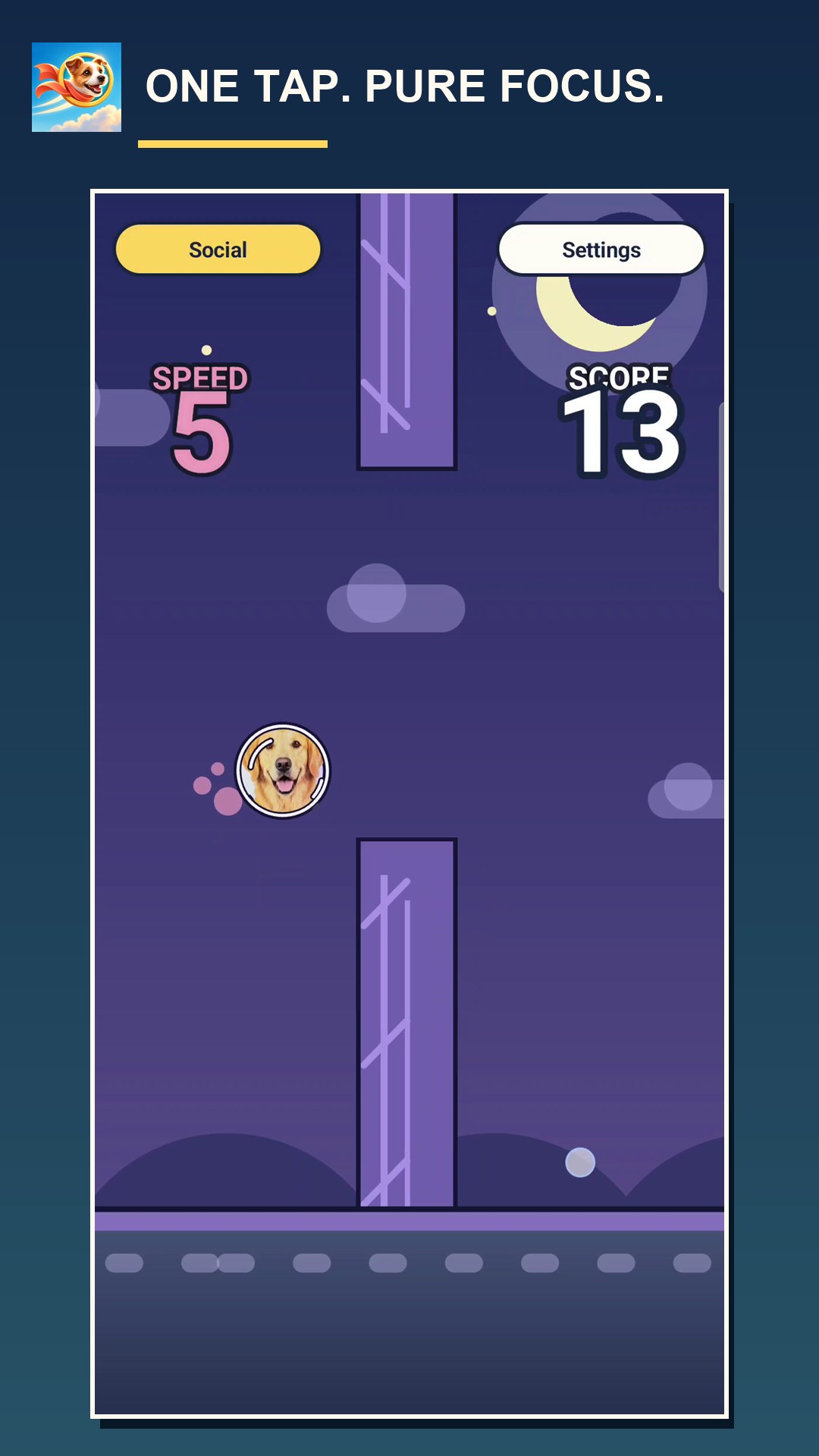
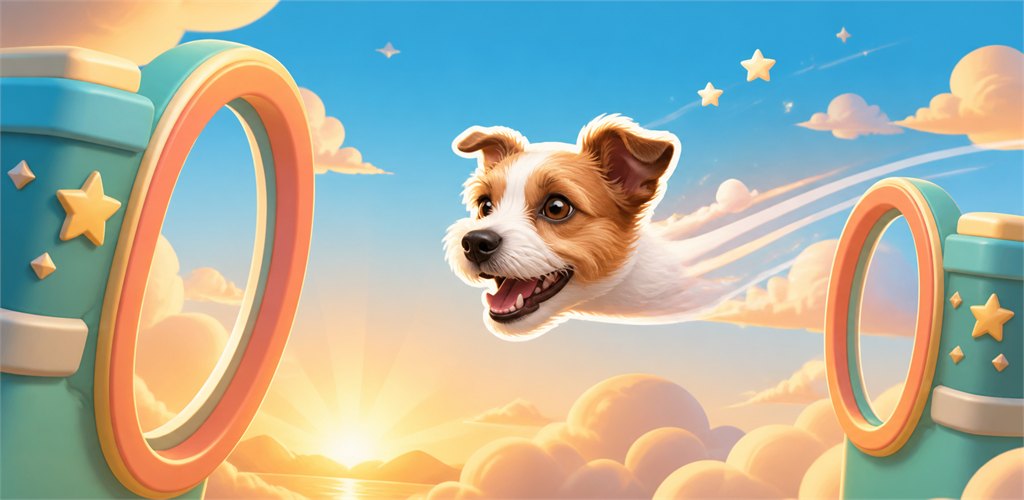
Tap to fly. Find the gap. Try again — with one twist: the buddy in the sky can be your own photo.
Out now on Android
Free, with occasional ads between flights and optional in-app purchases (Remove Ads, photo studio). Seven languages, including English and Czech.
From the build
1
Take a picture or pick one from your phone, crop it, and let the automatic cutout lift your friend, your pet or yourself out of the background. Tidy the edges by hand with erase and restore, then fly.
2
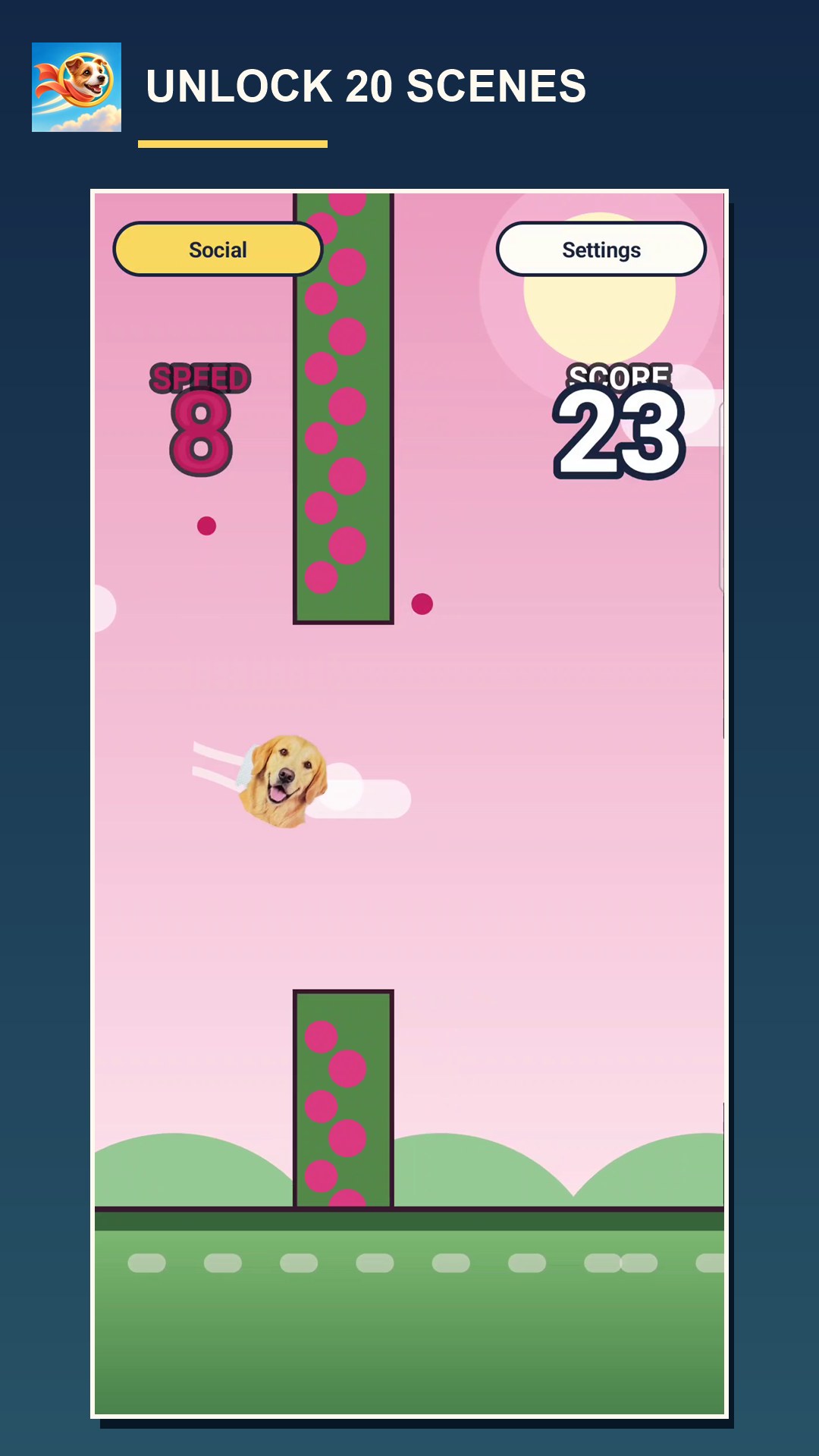
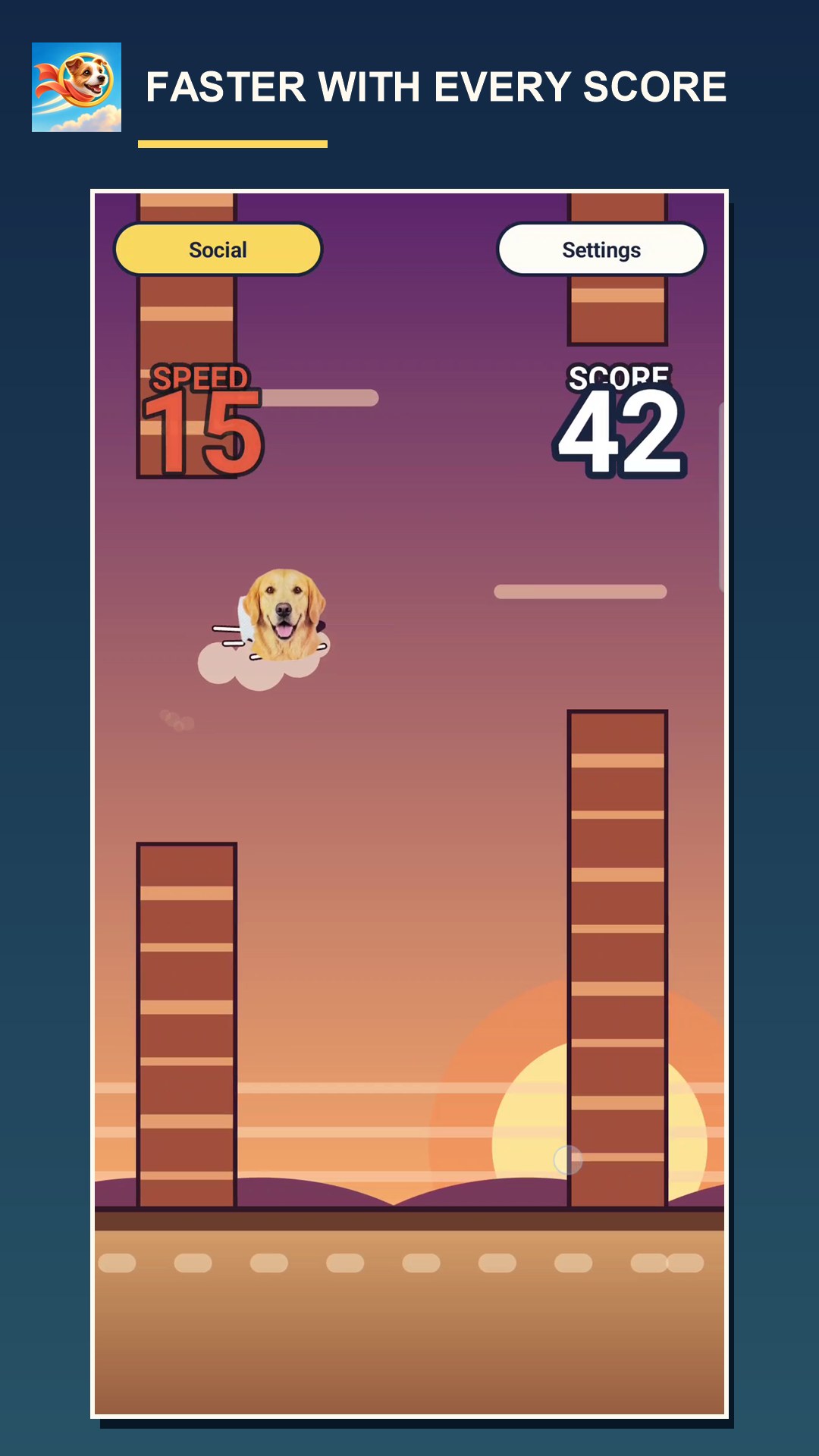
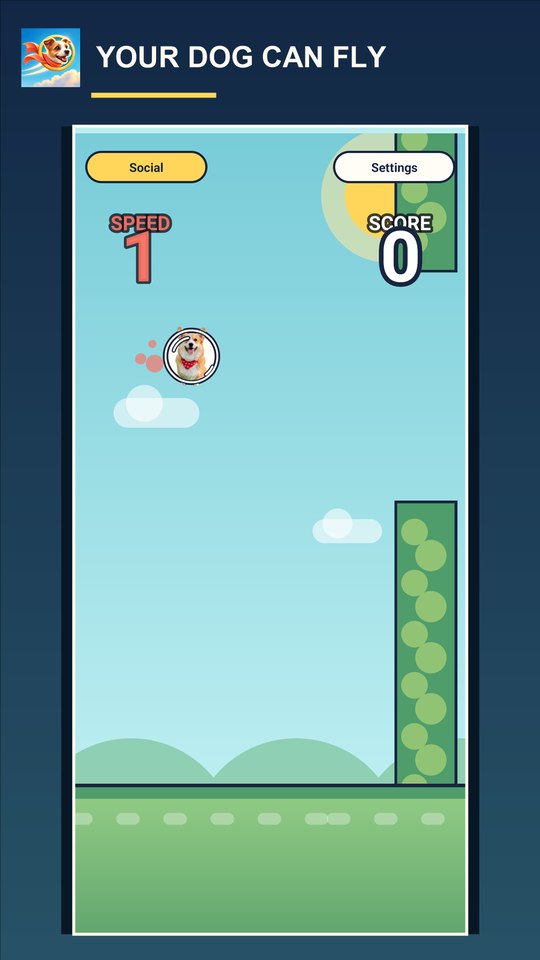
One tap keeps you in the air. Fly through the gaps and count every one, then beat your own best score. Twenty hand-made scenes unlock as your score climbs, and flights work without a connection too.
3
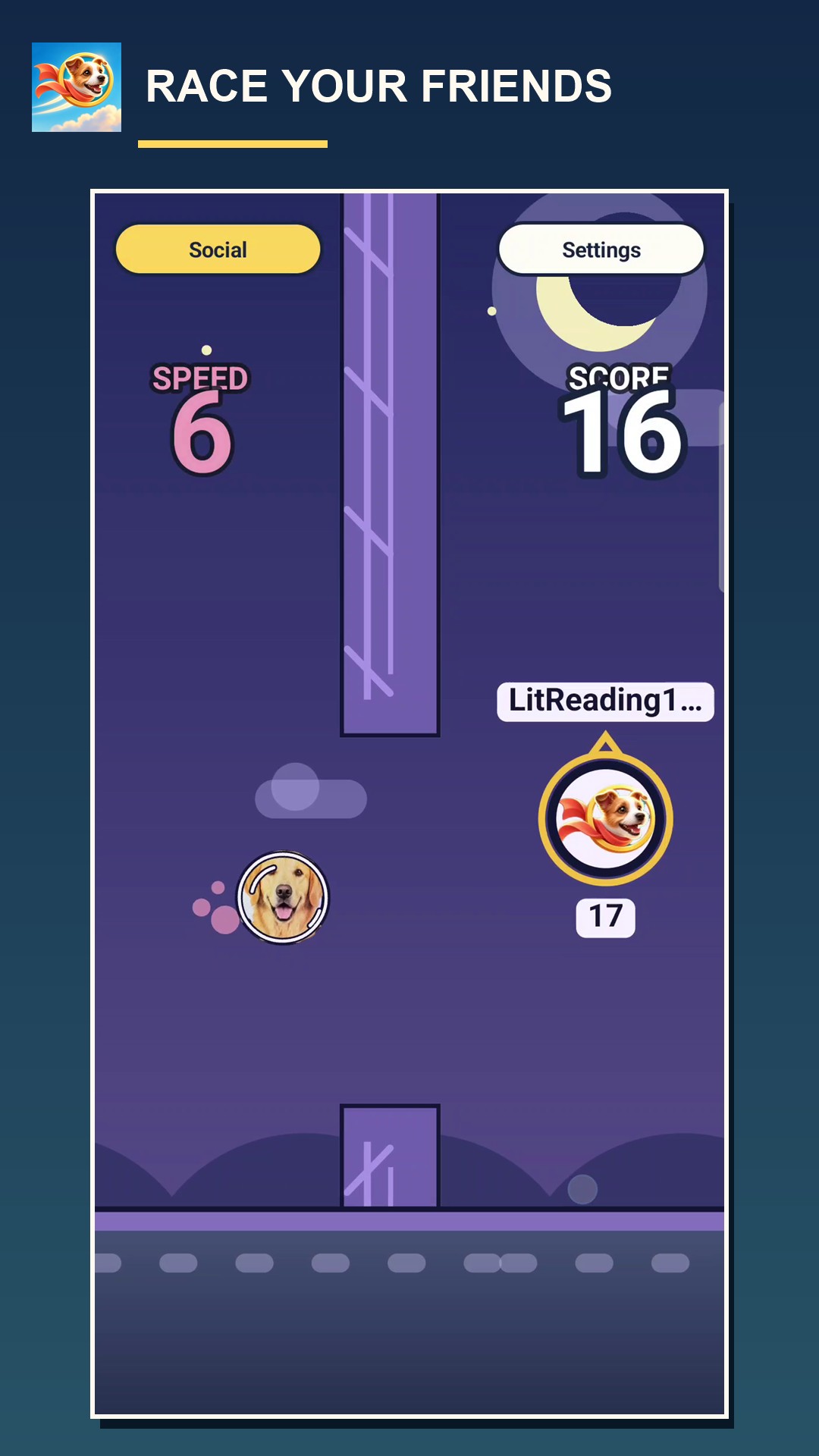
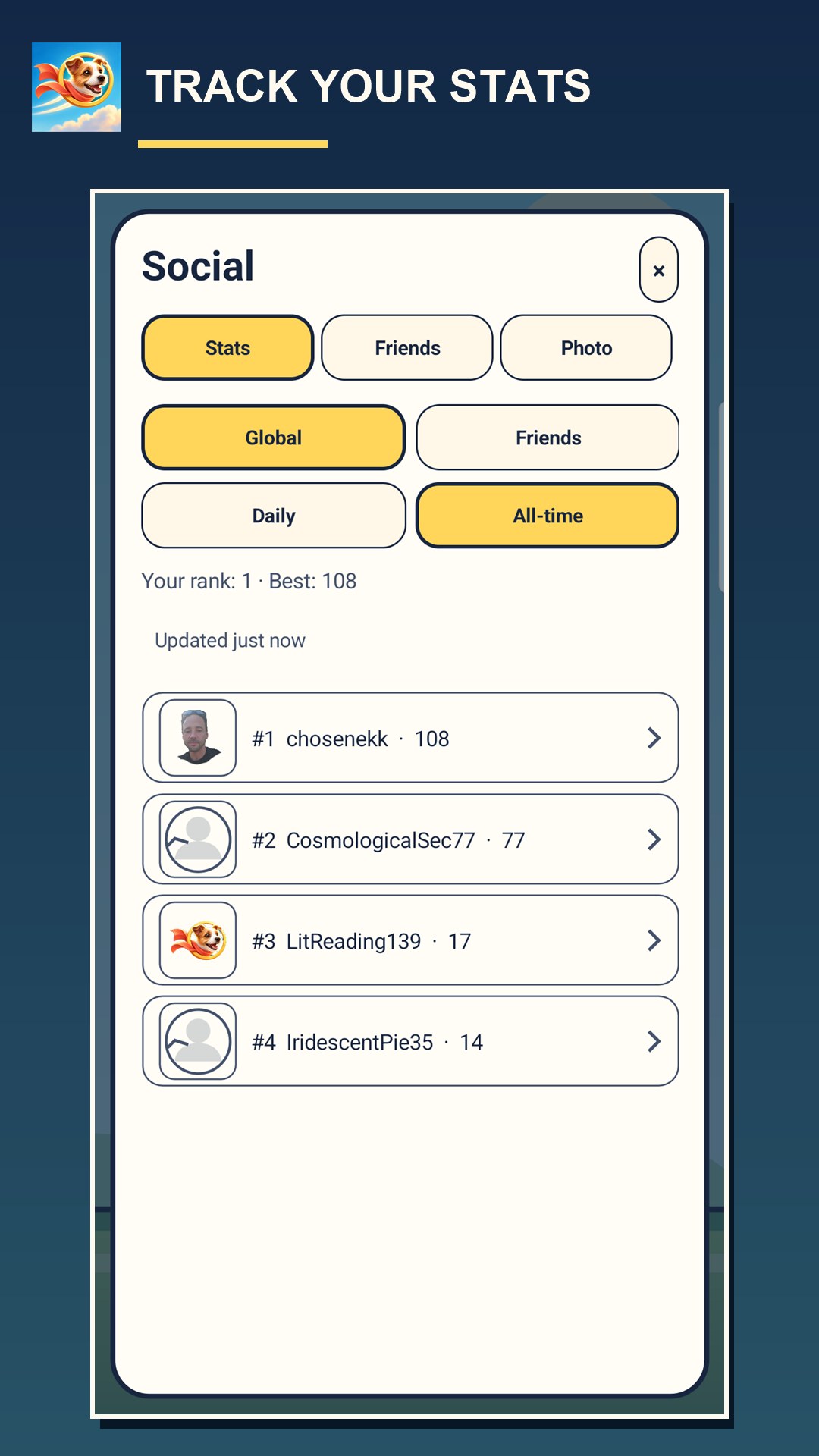
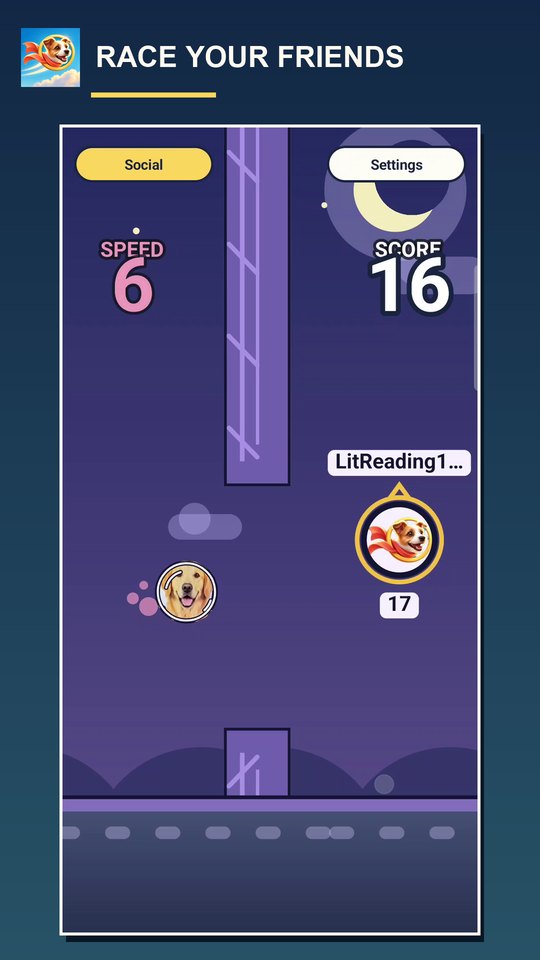
Sign in with Google Play Games to add friends. Their best Daily and All-time flights fly right beside you, so you see exactly where you overtake them and where you lose — everybody flies solo, in their own time.
4
Compare scores with your friends or with everyone playing. Flights made offline still count towards your own best score on the phone.
Privacy by design
For press and creators
Buddy Flight is a one-thumb arcade flyer for Android with one twist: the buddy in the sky is cut out of a photo on your phone, and your friends’ best flights race right beside you. Free, with occasional ads between flights and optional in-app purchases (Remove Ads, photo studio). Seven languages. Released on Google Play on 21 September 2026 by PB Fun Gaming, a one-person studio in Czechia.
Screenshots are authentic captures from the shipped game; the dog is a real cutout made in the app. Press contact: info@pbfungaming.cz.
Legal
Privacy Policy Terms of Use Delete your accountThese three documents are served by the game’s own server, so they always match the build that is live.